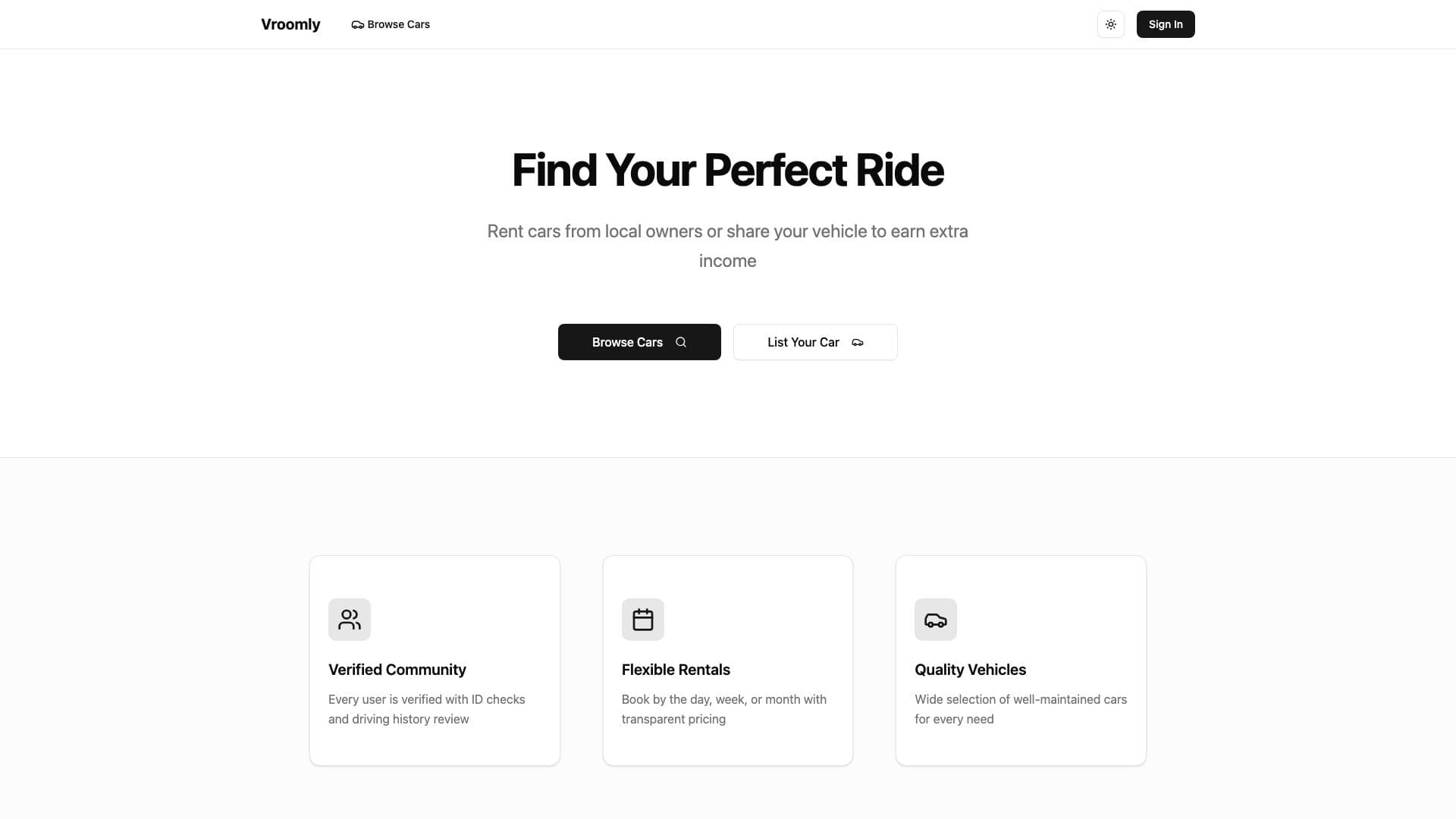
Vroomly is a car-sharing marketplace where owners publish a car and renters request a date range. The interesting part is not the listing form. It is keeping two people, two sets of permissions, and one booking in sync.
The marketplace
Owners can add photos and vehicle details, set a price and availability window, and approve or decline requests. They can edit, deactivate, or remove a listing later.
Renters can filter cars by place and date, open a listing, request a booking, and message the owner before or after the request.
Both sides get profiles, reviews, unread message notices, and either Google or email-and-password sign-in.
Open Vroomly
Browse local cars or publish a listing.
The system shape
React 19, TypeScript, and Vite 6
├── Routes
│   ├── Public browsing and profiles
│   └── Protected listings, bookings, messages, and account screens
├── Product areas
│   ├── Cars and image uploads
│   ├── Booking requests and owner decisions
│   ├── Conversations and unread notices
│   └── Profiles and reviews
└── Firebase
    ├── Authentication
    ├── Firestore documents and listeners
    └── Storage for car photos and avatars
This is a client-heavy app. Most screens depend on the signed-in user or a live Firestore listener, so I used React Router instead of adding server rendering that the private parts of the marketplace would not benefit from.
Booking is a state machine
A booking moves from pending to approved and then completed, or it ends at declined. Owners and renters see different actions at each step. The request form checks the car's availability window and blocks an overlapping booking.
Those rules live behind the interface rather than in a collection of conditional buttons. The UI reads the current state and offers only the next action that person is allowed to take.
Firebase carries the backend
There is no separate API server. Firebase Authentication establishes identity, Firestore holds the marketplace data, and Storage keeps uploaded images. Security rules decide who can change a booking or read a private conversation.
That makes the rules part of the application, not deployment boilerplate. A screen hiding an edit button is not authorization. Firestore still has to reject the same write.
Keeping conversations live
Firestore onSnapshot listeners add messages to an open conversation as they arrive. A global MessageNotifier checks unread counts outside the message screen and raises a toast when there is something new.
Every listener returns a cleanup function from useEffect. Without that cleanup, navigating between conversations leaves old subscriptions running and produces duplicate or stale updates.
The awkward parts
Image uploads took more interface work than the booking form. People need a preview, progress, ordering, and a way to remove a bad photo before and after upload.
The car page also changes shape for an owner, a renter, and a signed-out visitor. Pulling those permissions into explicit states kept the component from turning into a nest of unrelated checks.